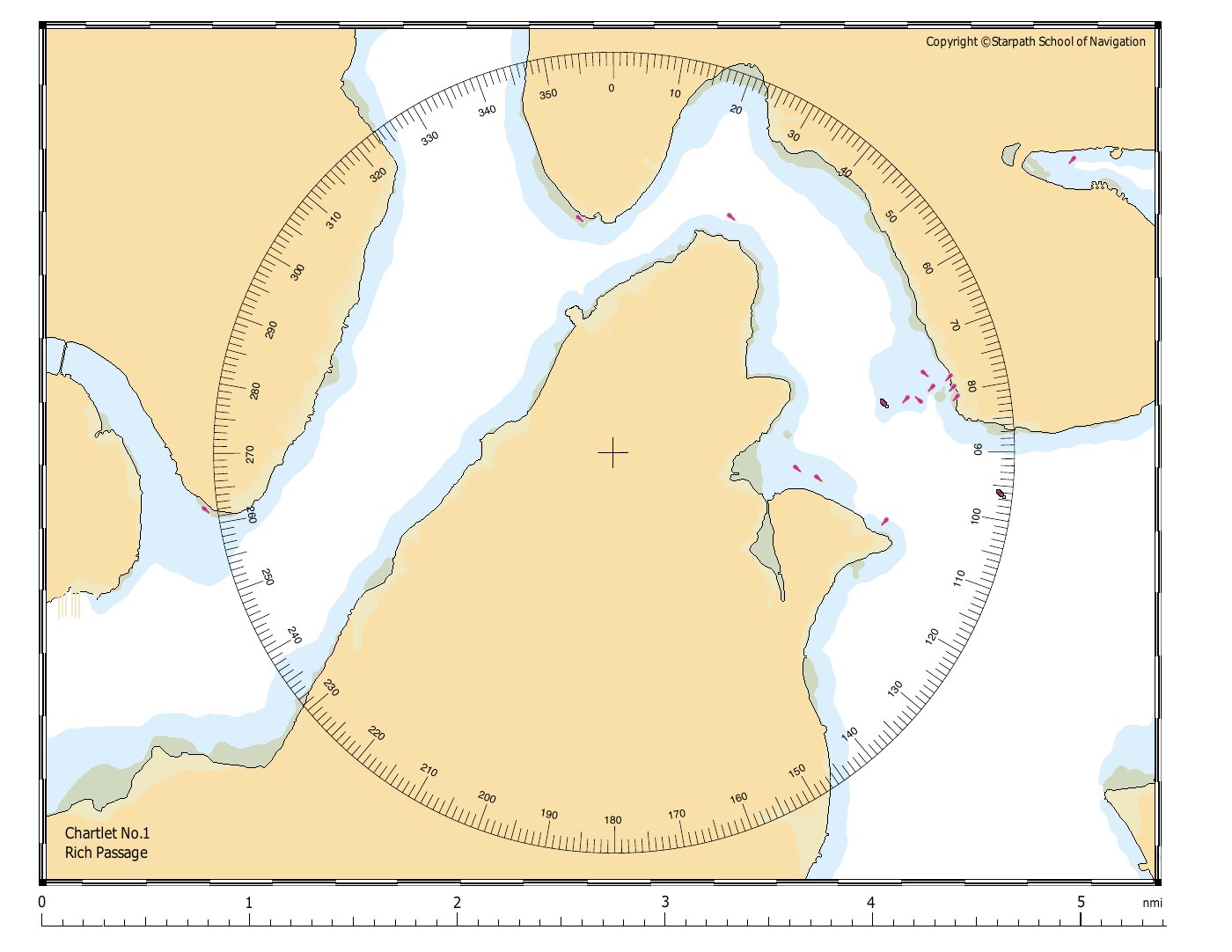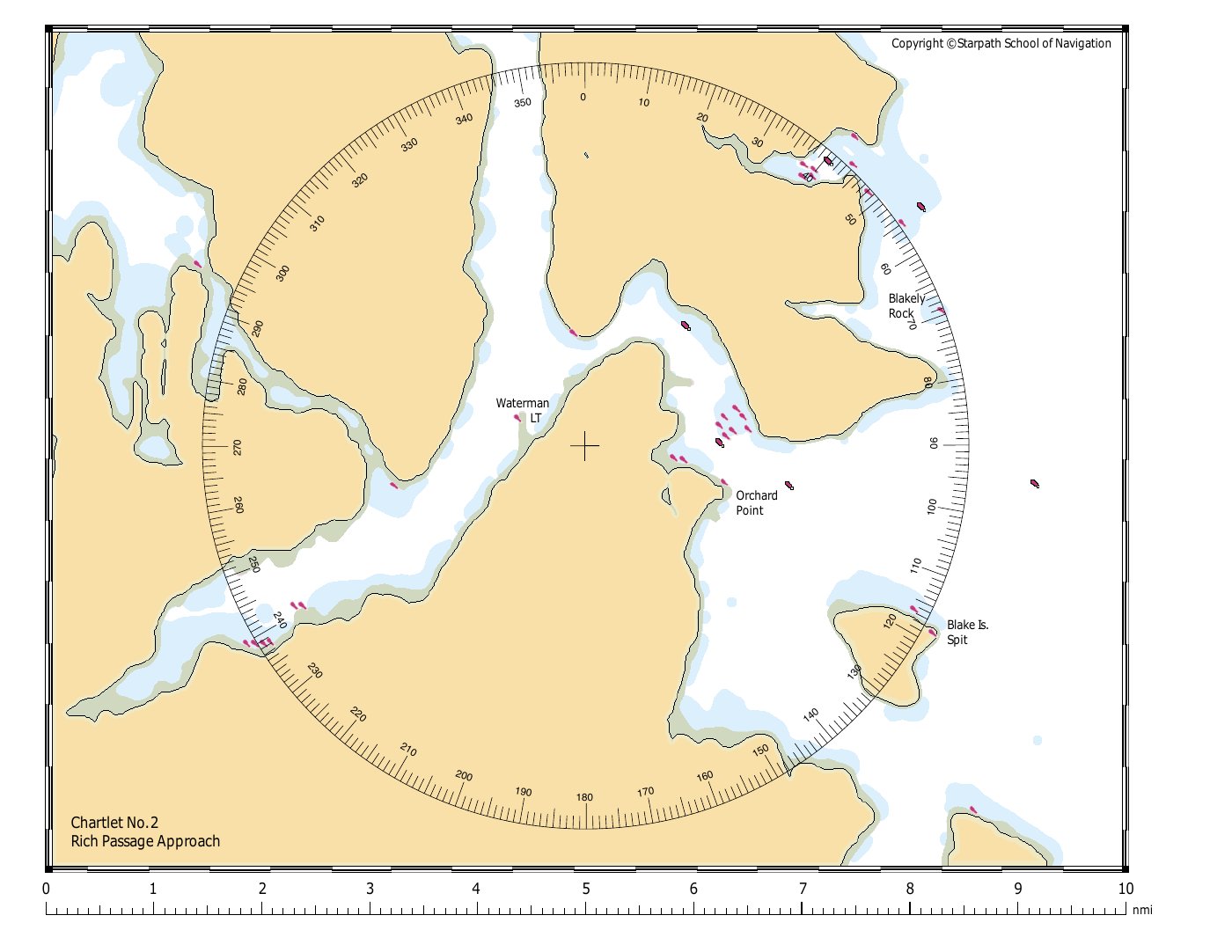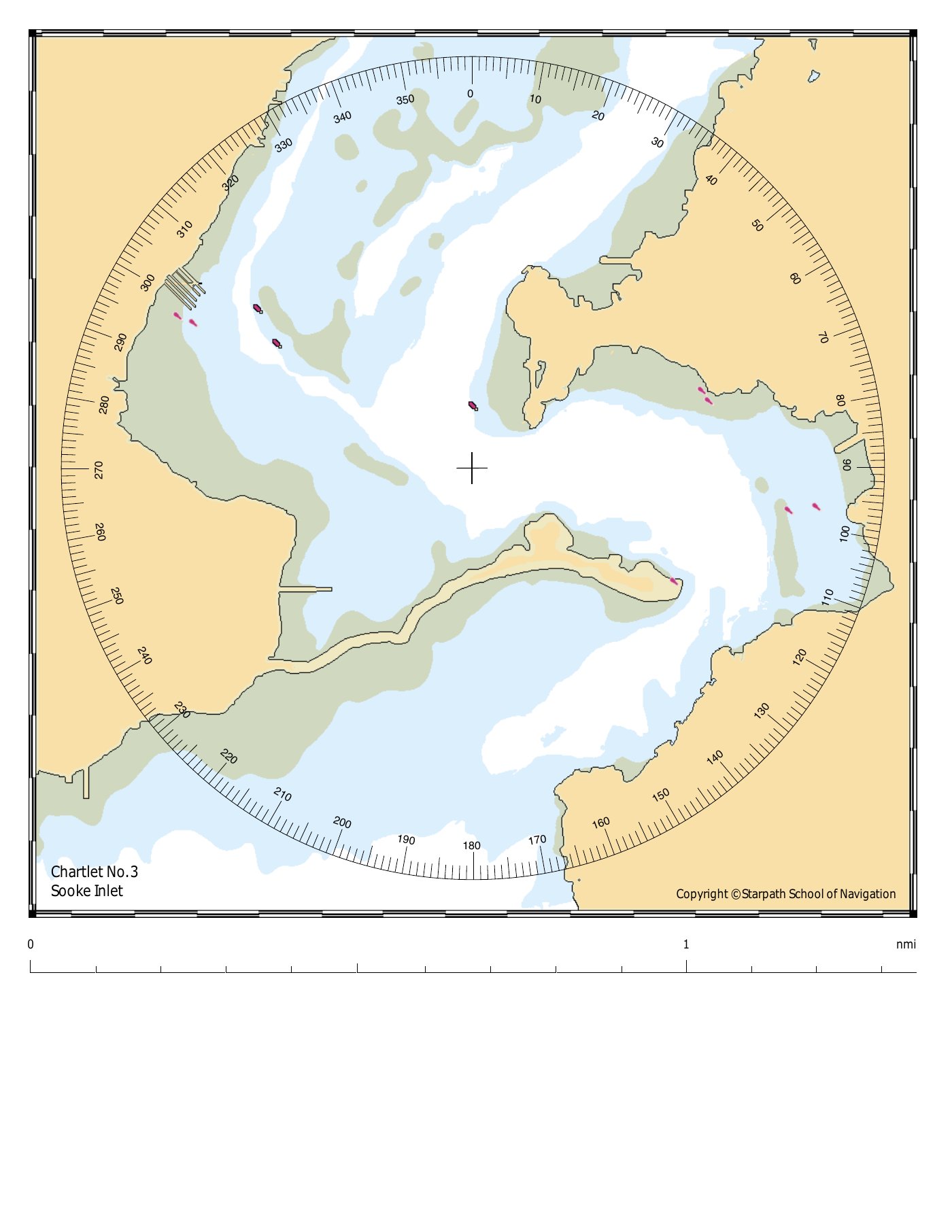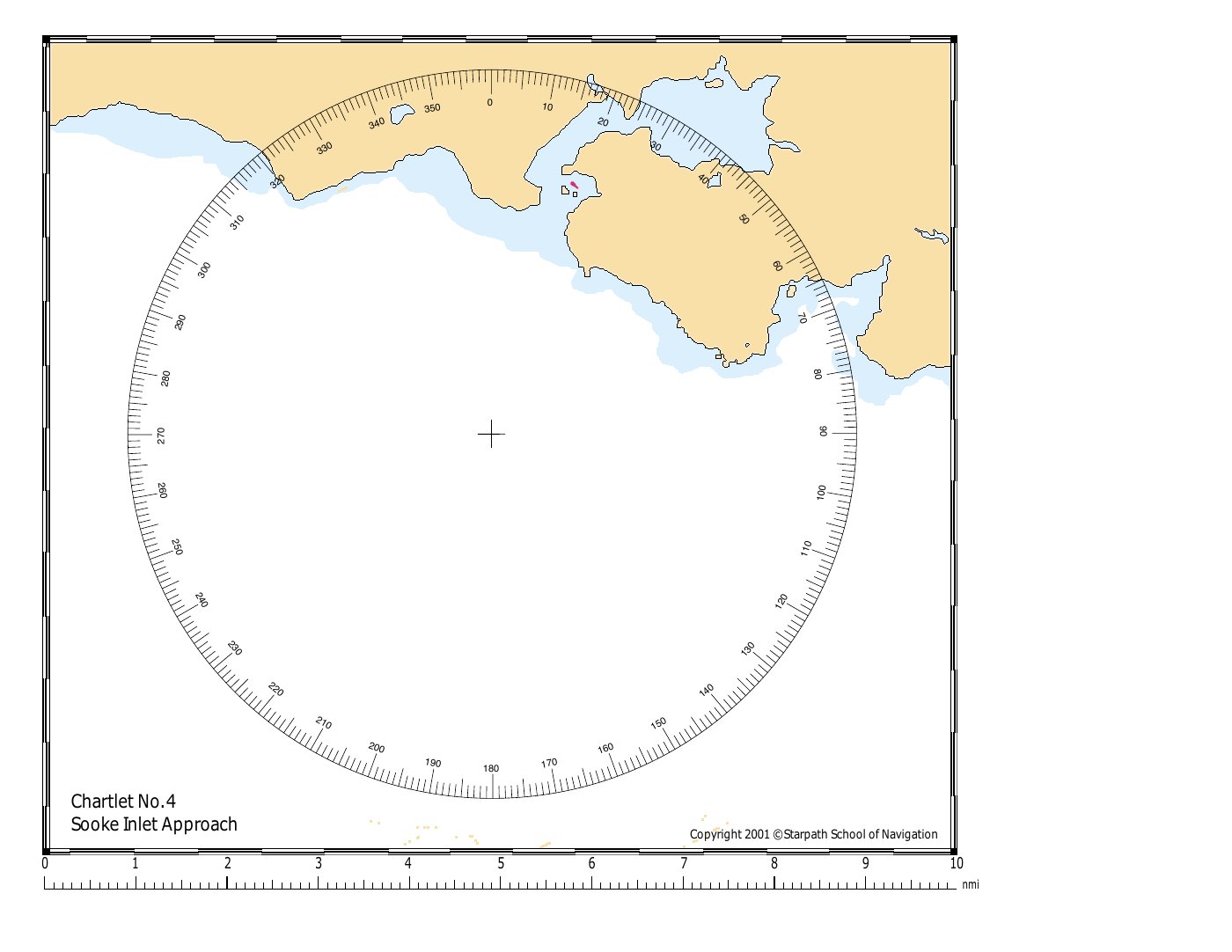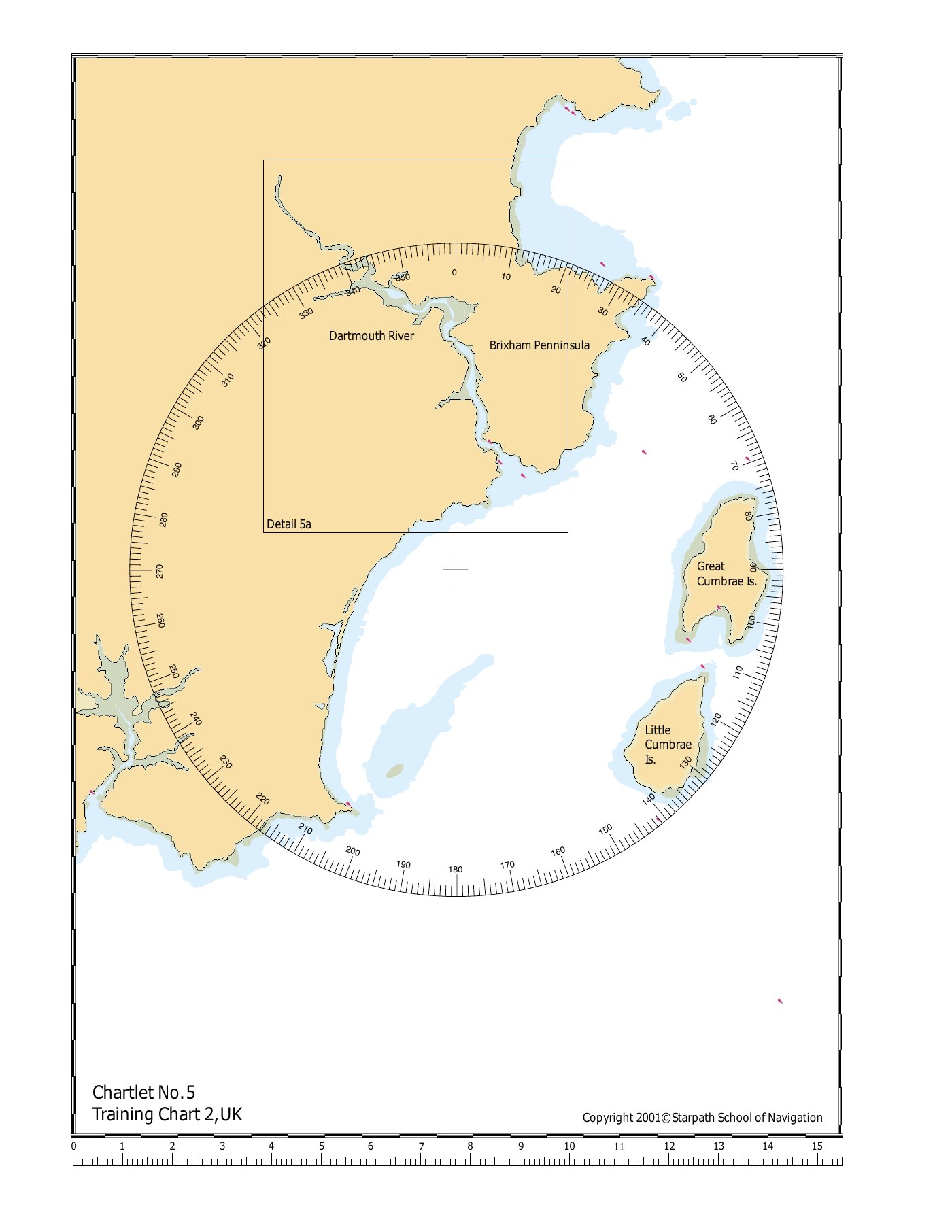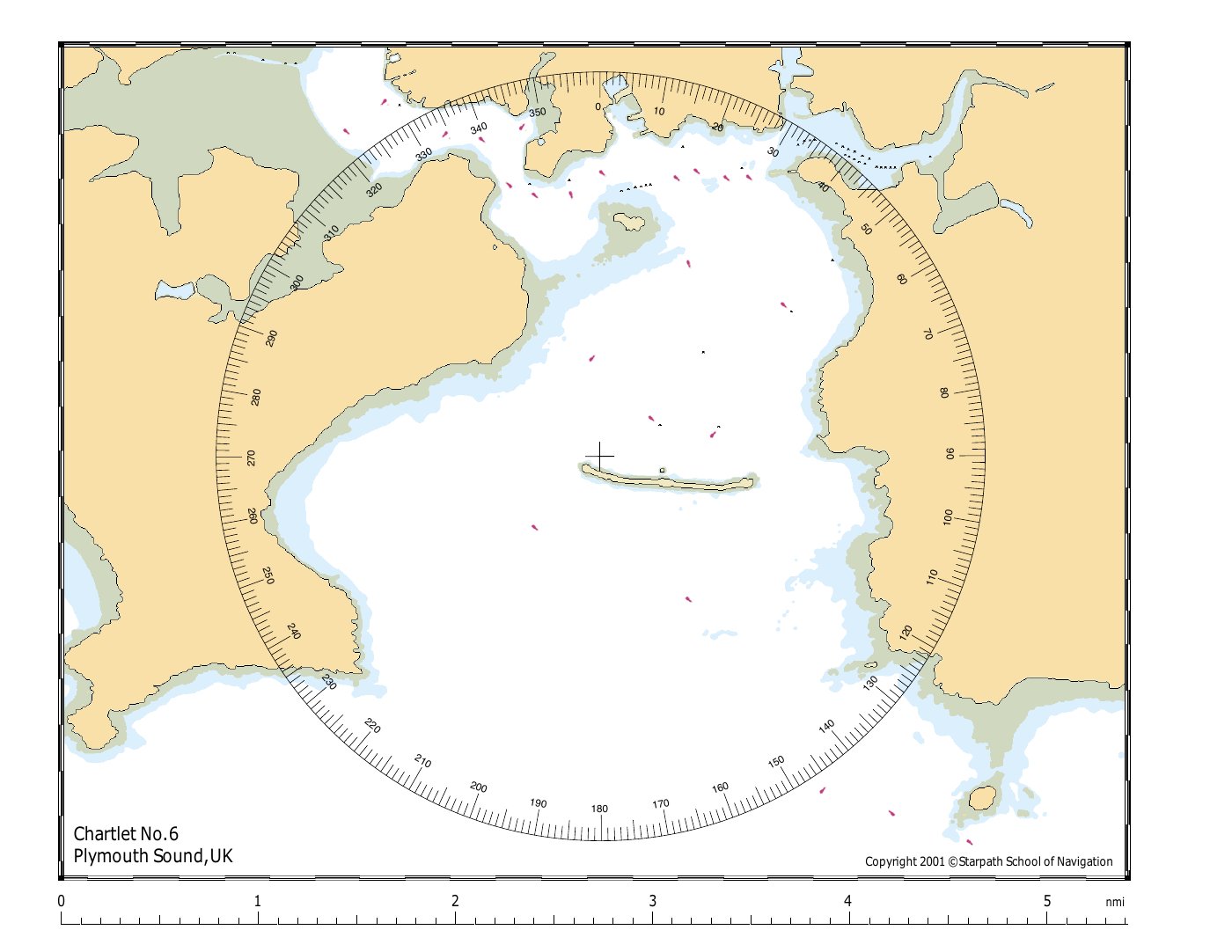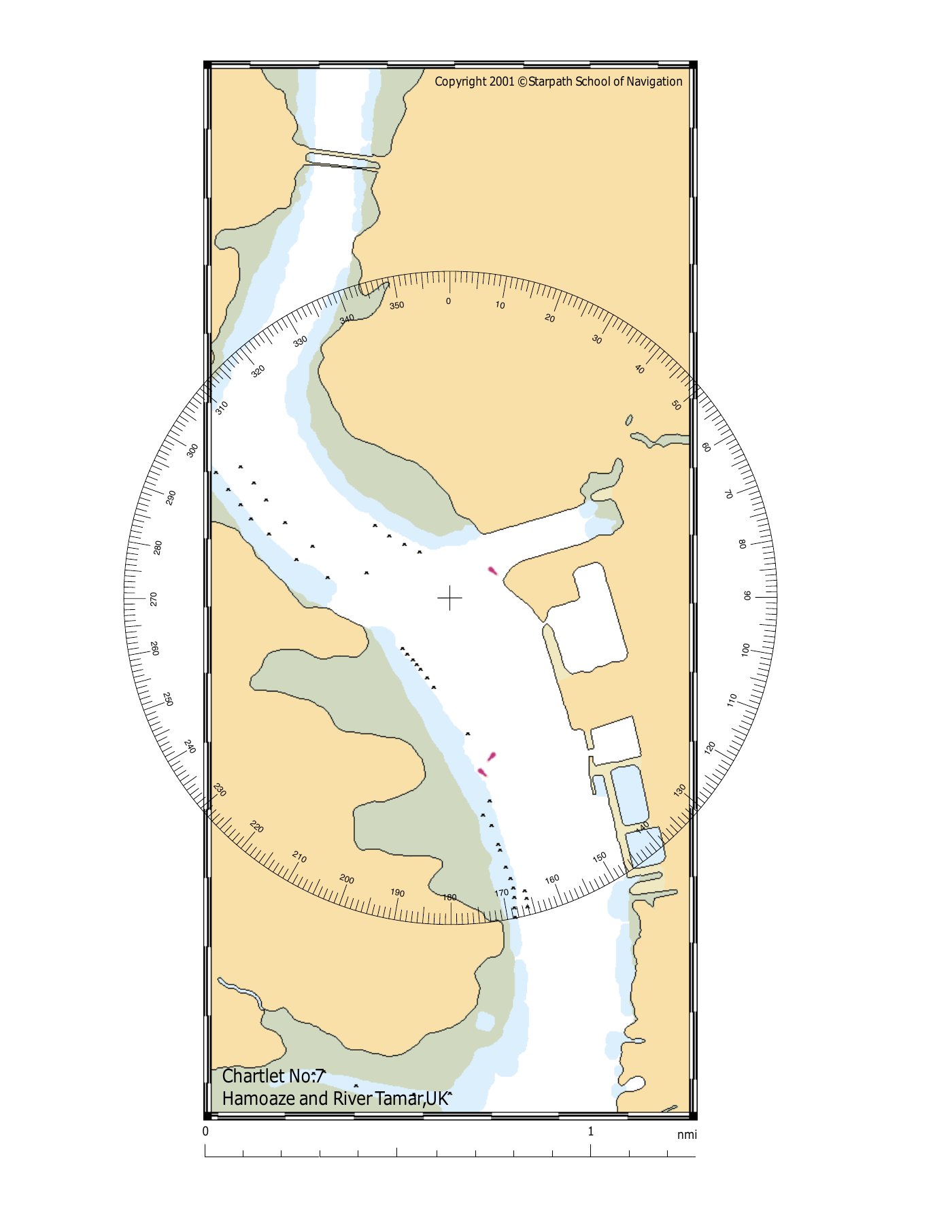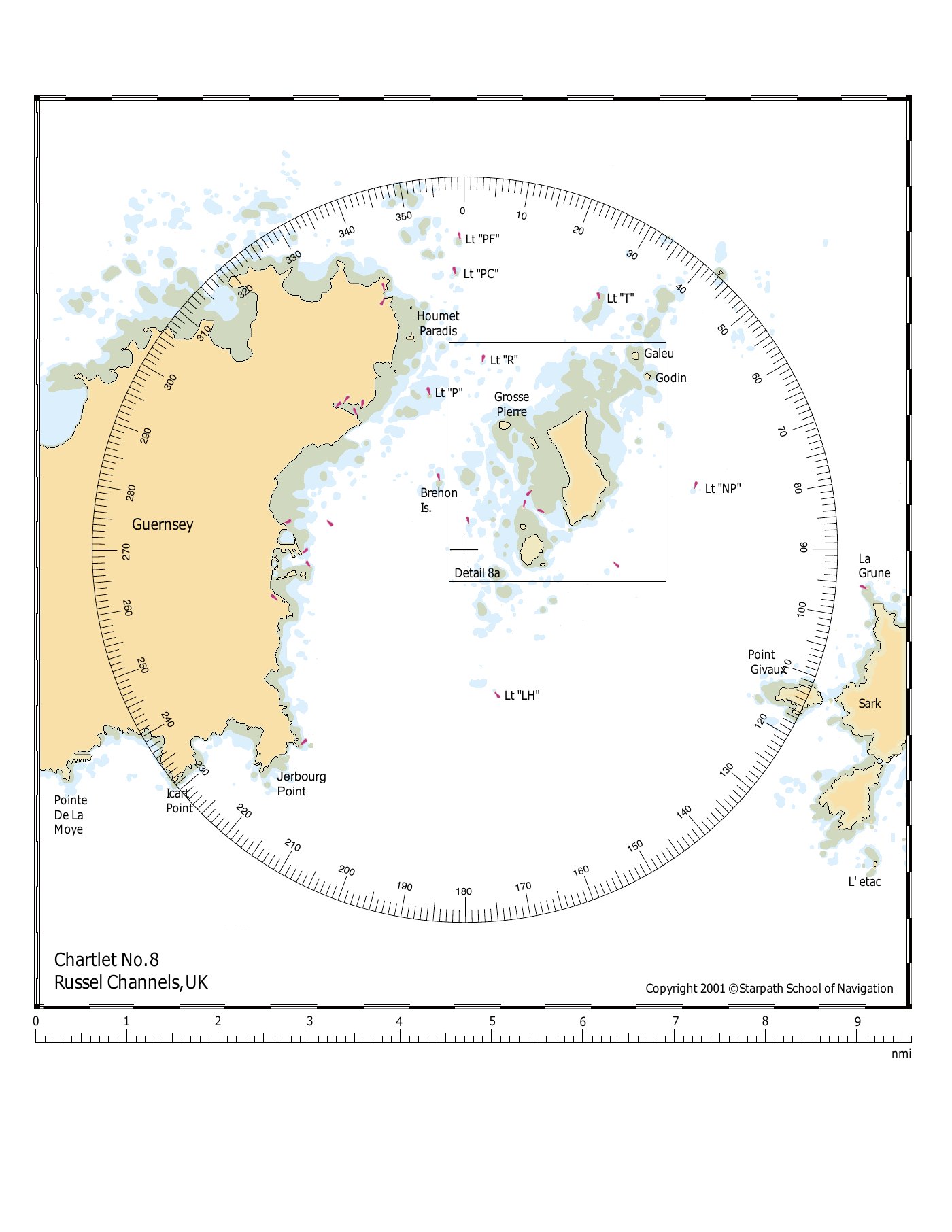
Radar Plotting Exercises
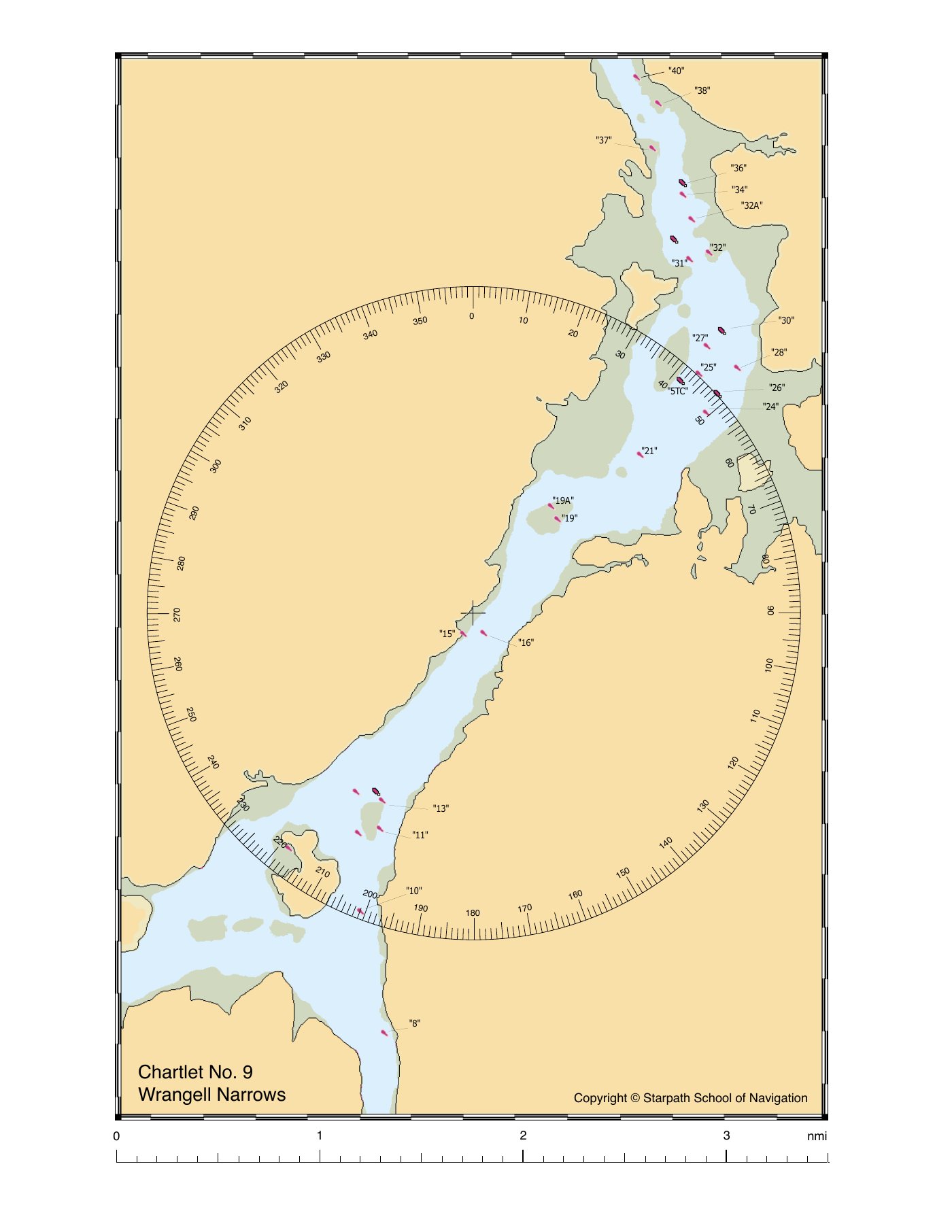
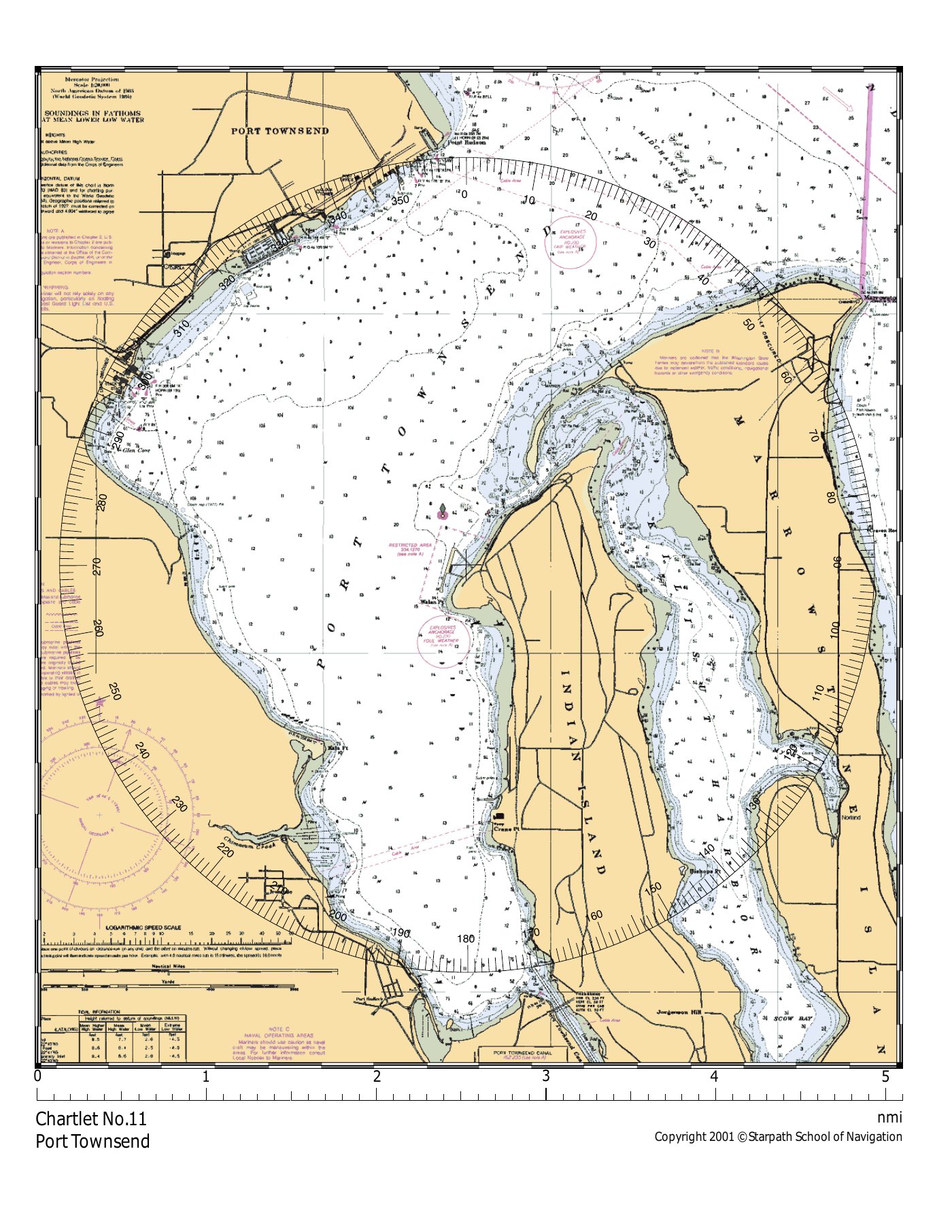
Ten numbered plotting problems from the Starpath Radar Trainer kit. Each shows a PPI snapshot — work the vector triangle on a printed maneuvering board, then check your work against the solution sheet (where provided).
How to work these
- Print a maneuvering board. The plotting solution lives on paper, not on screen. Plot sheet 1 or plot sheet 2 — either works.
- Open the exercise. Each problem is a single PPI snapshot showing your-ship-at-center plus 3+ plotted positions of one or more contacts at known times.
- Transfer the contacts to your maneuvering board. Each plotted point is a (bearing, range) pair — read off the PPI and re-plot on the board.
- Build the vector triangle. Lay off your own true vector
erin reverse from M₁; the relative vectorrmalong the RML; close to findem. See Plotting for the procedure. - Answer the typical questions: CPA, TCPA, target's true course/speed, course-to-pass at a desired CPA. See Collision Avoidance for the constructions.
- Check the solution. Where a solution sheet exists (No.5, No.8, No.11), tap "Show solution" on the exercise page.
These were originally distributed with the Starpath Radar Trainer software (RT3). The solution sheets work standalone — you can use them as reference even if you don't have the original RT3 application. Note that exercises No.4 and No.10 don't have published solution sheets; trust your construction or compare with a peer.